
Game Recording
Ulugo can record a game move by move as it is played. You can also photograph the board periodically with a phone, first record the difference between two positions as a board setup node, and later convert those stones into regular moves in their actual order.
Recording move by move
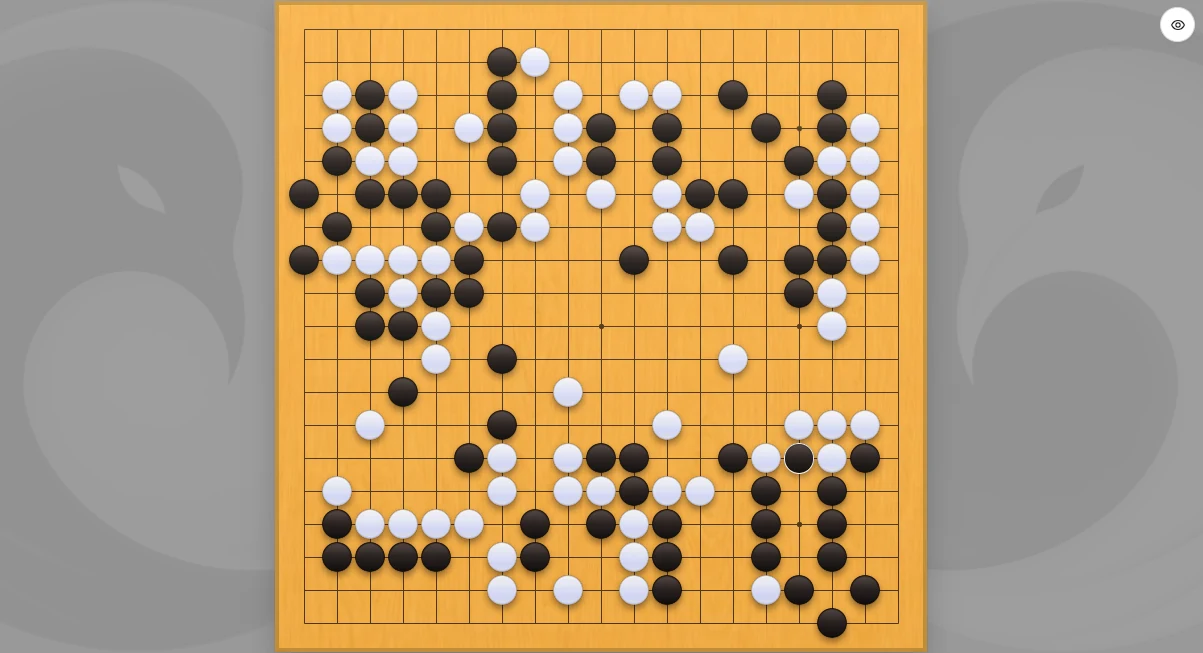
After starting a new game, use the Auto play tool to place each move on the board in sequence.
On a phone or tablet, Minimal mode lets the board occupy as much of the screen as possible. The round button in the upper-right corner temporarily opens move numbers, coordinates, basic tools, and the move tree.
Correcting an earlier move
If you discover that an earlier move was recorded at the wrong point, you do not need to delete and replay every later stone:
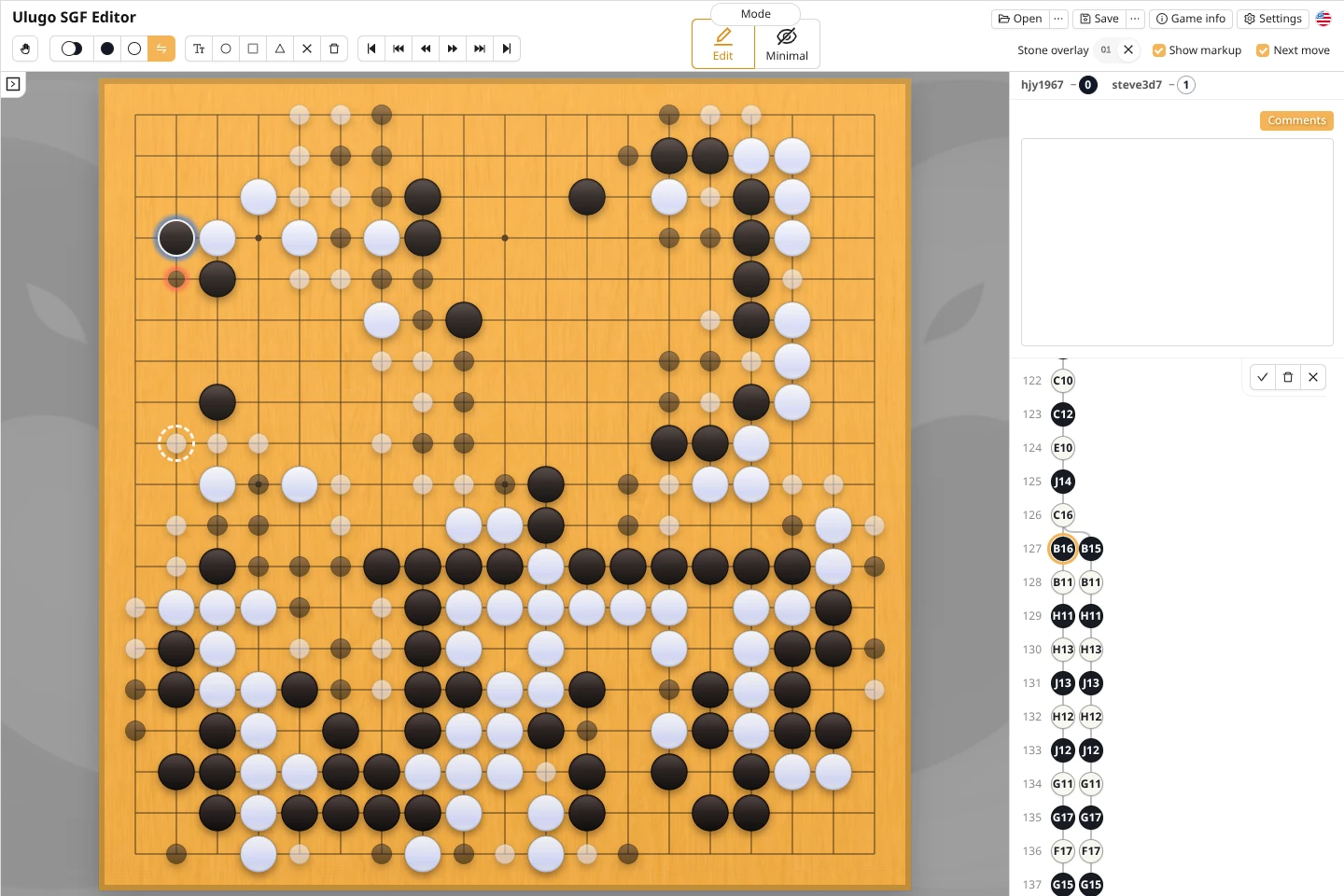
- Select the incorrect move in the move tree. You can also hold
Shiftand click a stone on the board to jump to its move; - Select the Replace move tool. Ulugo returns to the position before the incorrect move;
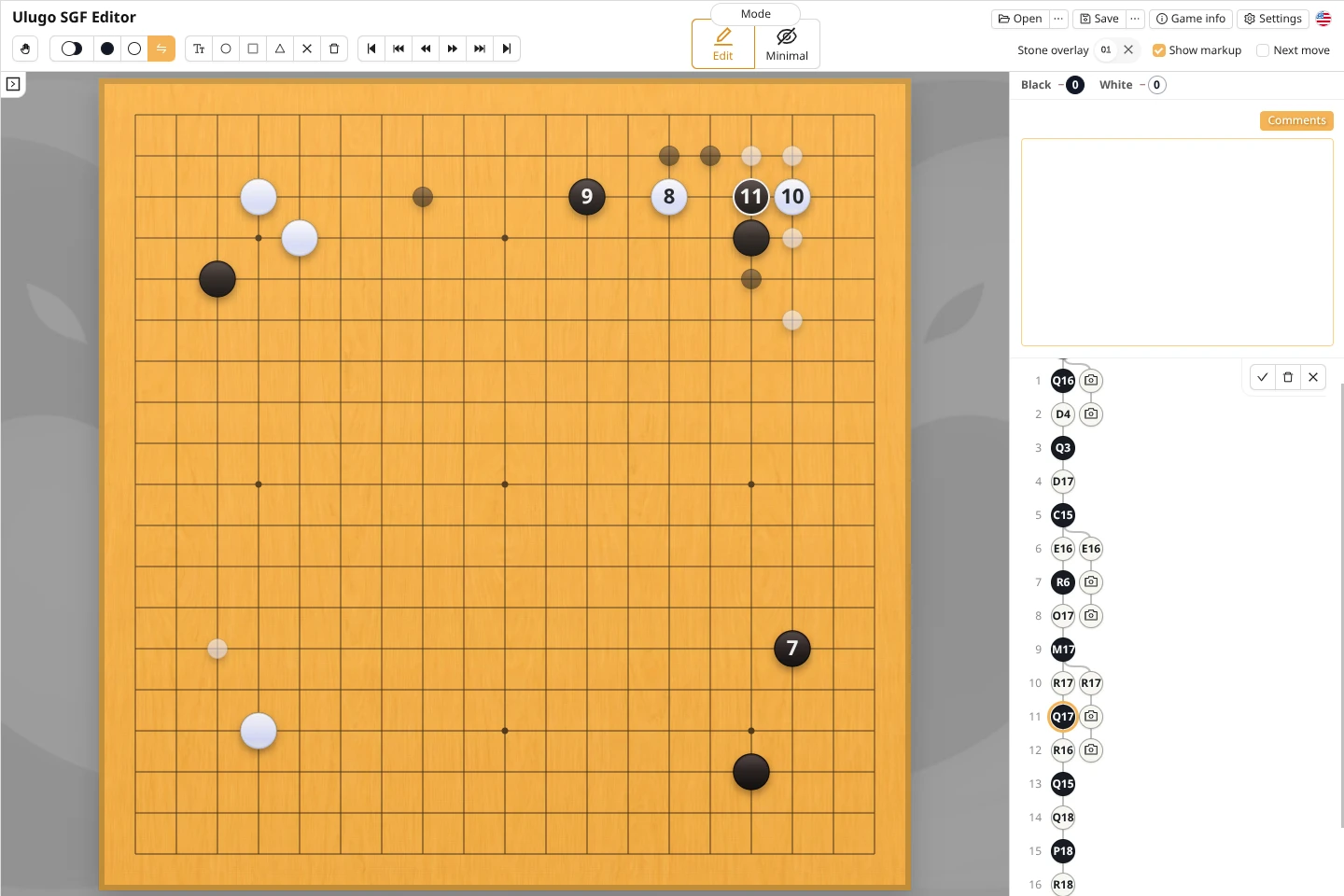
- Left-click the correct point to replace the next move. Later moves that remain legal are preserved and shown as translucent stones on the board;
- Newly added moves are marked with a blue shadow, while replaced moves are marked with a red shadow;
- To insert a missing move before the next move instead of replacing it, place the stone with a right-click;
- In the Replace move tool, the delete button removes only the current move;
- After checking the result, click ✓ or press
Enterto confirm;- Click X or press
Escto discard replacement mode and restore the original board state.
- Click X or press
Recording with photos
Photo recording is useful when you cannot continuously operate the screen but can photograph a physical board from time to time. This entry is currently available only in the mobile web version.
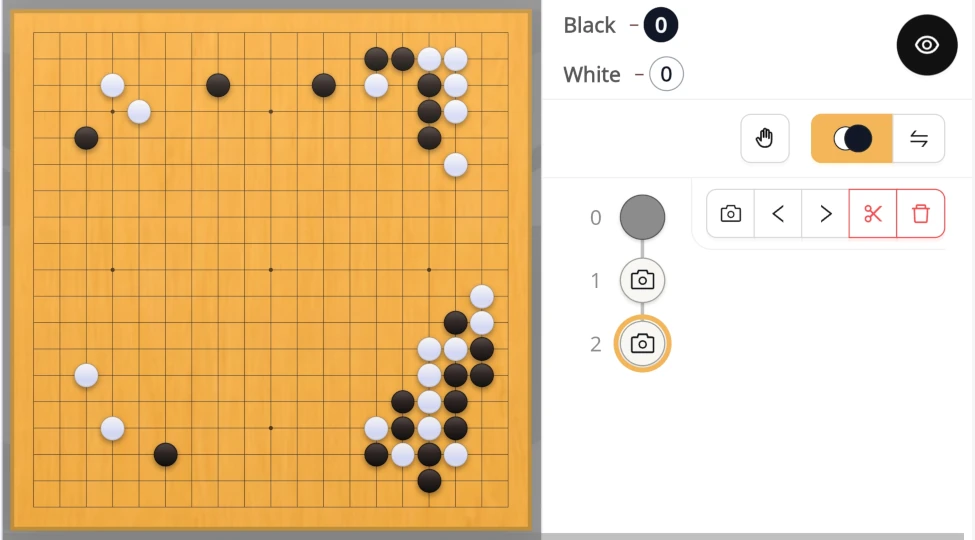
This feature works only on the main branch of the game record.
Converting a board setup into regular moves
After a photo is added to the game record, you can keep its photographed-position node temporarily. If you know the actual order of play, you can use Replace move mode to convert it into regular moves.
When you confirm, the photographed-position node immediately following the new moves is deleted.